
Make a PDF light enough to send. The text stays text.
A contract, a portfolio, a scan that will not go through by email. Right-click it, pick Screen or Print, and a lighter copy lands beside it. The text stays text — selectable, searchable, readable by a screen reader.
Free account, no card · 296 MB · Apple silicon & Intel
 Ricly▸Compressing PDFQ3-deck.pdf · on this MacCompressedQ3-deck-compressed-screen.pdf · 48.2 MB → 6.1 MB · 1 of 5 this month
You have done this a hundred times.
- Open a browser
- Find a PDF compressor
- Upload the document
- Pick a level
- Wait
- Download it
- Move it back
Ricly puts that one in the menu that is already under your cursor. Right-click the PDF, pick Compress PDF, choose Screen or Print, the lighter copy lands beside it. The text stays text — selectable, searchable — and the document never leaves your Mac.
See what else comes with it
What you get, exactly.
One lighter PDF per file. Each page is redrawn into a new document, so text, vector shapes and links survive intact; only the embedded images are downsampled and recompressed.
Your text does not become an image
This is the whole point. The usual shortcut rasterises every page — the text turns into pixels, you can no longer select it, search it or have it read aloud, and sometimes the file comes out bigger. Here the page is redrawn, and only the pictures inside it are touched.
Two settings, and they are honest
Screen targets email and the web: images at 150 DPI, 1800 px on the longest side. Print keeps more: 220 DPI, 3000 px. You choose in a small panel when you right-click, so you know which one you took.
The compressed copy lands beside it
Same folder, same name with a suffix. Your original PDF is not modified, moved or deleted — useful, since compression is a trade and you may want to compare.
If it cannot do better, it says so
A PDF that is already optimised will not shrink much, and the tool does not pretend otherwise. It never returns a file bigger than the one you gave it.
Same job. No round trip.
A PDF is often the one file you should not be uploading anywhere — a contract, a deck under NDA, an invoice with a bank line on it. Every online compressor starts by asking for it. Counted the same way, once your account exists, here is what that costs.
With Riclyon your Mac
WHAT IT REPLACES
Now do fiveFive lighter copies,
five originals kept
A folder of decks is one right-click. The menu reads Compress PDF (5 files), you choose Screen or Print once, and each document gets its lighter copy beside it. On Free that is your five for the month — and when they are used, the menu says so before you click.
There is a native path, and it is a blunt one. Preview’s Reduce File Size filter is one fixed setting that crushes every image down to a few hundred pixels, and there is no dial. Ricly redraws each page, keeps the text as text, and downsamples only the images — 150 DPI for Screen, 220 for Print — so a deck still reads like a deck.
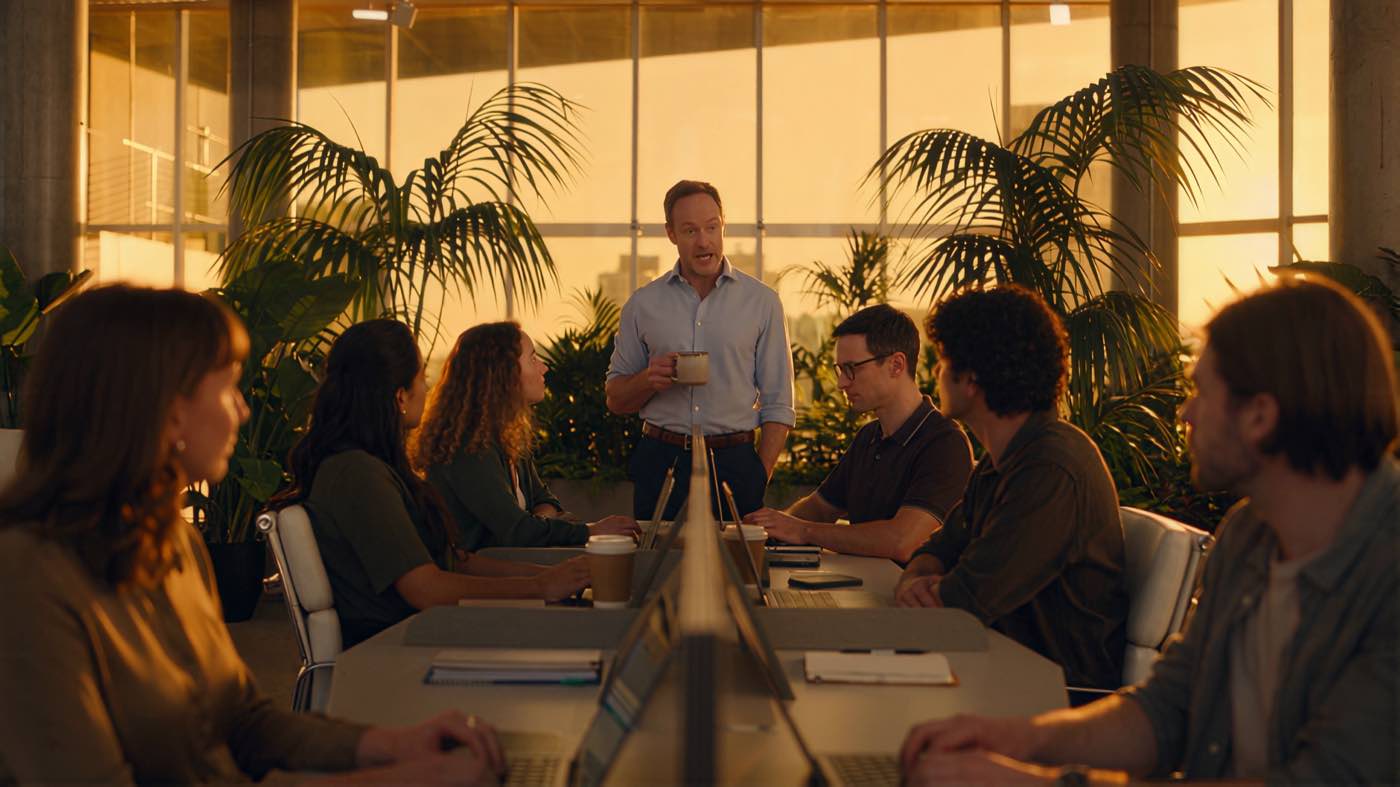
Some documents should not travel.
A contract, a deck under NDA, an invoice. Lighter to send, still readable, and it never left your Mac to get there.
You came for one tool. 16 more come with it.
Compress PDF is not an app you install. It is one item in a menu that also carries 16 others — same download, same account, nothing extra to set up.
13 are free, 4 are Pro. They install themselves as they ship, so the menu grows without you doing anything. Merge to PDF sits one line above in the same menu, and Extract Text reads a scanned page back into text you can search.
Free covers most weeks.
Files are counted, not clicks. The count resets at the start of each calendar month.
- Five PDFs a month, whatever their size or page count.
- The same two settings and the same output as Pro.
- No watermark, no page limit, no sign-up wall on the result.
- A free account is required, an email address is enough.
€47.88 billed yearly, or €4.99 month to month.
- No monthly count on compressions.
- The four Pro tools unlock: Extract Text, Upscale Image, Photo Grid, Batch Rename.
- Upload & Share goes to 20 GB and links last 30 days.
- 30-day trial for new subscribers · payment method required · cancel any time.
Questions people actually ask.
What are Screen and Print?
Two settings, and they are honest. Screen targets email and the web: images at 150 DPI, 1800 px on the longest side, JPEG at 60 %. Print keeps more: 220 DPI, 3000 px, 80 %. Text and vector shapes are untouched by both.
Does the text stay text?
Yes. Each page is redrawn into a new document, so text stays selectable and searchable and links keep working. Only the embedded images are downsampled and recompressed.
What if the PDF is already small?
It tells you. A document that is already optimised will not shrink much, and the tool never hands you a file bigger than the one you gave it — the original is kept instead.
Is the document uploaded anywhere?
No. The whole thing runs on your Mac, which is the point for a contract or a deck under NDA.
Where does the new file go?
Beside the original, named after the setting: Q3-deck-compressed-screen.pdf or -print.pdf. Your original is not modified, moved or deleted.
What counts against the free five?
Files. Five PDFs a month on Free, whatever their size, and the count resets at the start of each calendar month. Pro has no monthly count.
Right Click. Done.
17 file tools in the Finder menu. Free to start.
Free account, no card · macOS 13 or later

Send the link to your Mac.
Ricly is a Mac app. Drop your email and we send the download link — nothing else.
We email you the download link, plus one reminder if you have not installed. Nothing else, and we delete your address after that. · Free · macOS 13 or later · 296 MB