
Make a small picture big, without the blur.
A crop from an old photo, a logo someone sent at 400 px, a product shot that has to go on a poster. Right-click it, pick ×2 or ×4, and a sharp, enlarged copy lands beside the original.
Free account, no card · 296 MB · Apple silicon & Intel
 Ricly▸Upscaling ×4Logo_client.png · on this MacUpscaledLogo_client-4x.png · 96 KB → 2.1 MB
You have done this a hundred times.
- Open a browser
- Find an upscaler
- Upload the picture
- Wait in a queue
- Download it
- Move it back
- Close the tab
Ricly puts that one in the menu that is already under your cursor. Right-click the picture, pick a size, the enlarged copy lands beside it. A 50 MB master never goes near someone else's server.
See what else comes with it
What you get, exactly.
A PNG at twice or four times the side, from a model that reconstructs detail instead of stretching pixels. ×4 means sixteen times the pixels.
The model runs on your Mac
Real-ESRGAN, an open model, compiled for Core ML and shipped inside the app. No account with an upscaling service, no upload, no queue. A client photo under embargo stays on your disk.
Two sizes, and you choose
×2 for a quick fix on a photo, ×4 when it has to be printed. The file is named after what you picked — Logo_client-2x.png or -4x.png — so you can try both and compare them side by side.
The original is never touched
The enlarged copy lands in the same folder. Your source is not modified, moved or deleted. If a -4x file is already there you get a numbered one rather than losing the first.
A failed run leaves nothing behind
The result is written to a hidden temporary file and only swapped in once it is complete. You never find a half-rendered picture next to the original.
Same job. No round trip.
An upscaler is the kind of tool you hand a file to. Every online one starts by asking you to send it the picture — a client photo, a logo under embargo, a face. Counted the same way, once your account exists, here is what that costs.
With Riclystays on your Mac
WHAT IT REPLACES
Now do it 20 timesRendered in turn,
so the session keeps playing
A folder of crops is one right-click. The menu reads Upscale Image (20 files), you pick the size once, and Ricly renders them in turn so your session is not fighting for the CPU. Twenty uploads to an upscaler is twenty waits, and twenty copies of your work on someone else’s disk.
There is a native path, and it only stretches. Preview really does enlarge a picture — Tools, Adjust Size, a bigger number. It interpolates between the pixels it already has, so a 400 px logo becomes a 1600 px blurry logo. A model reconstructs what the small picture implies, which is a different result, and it runs on your Mac.
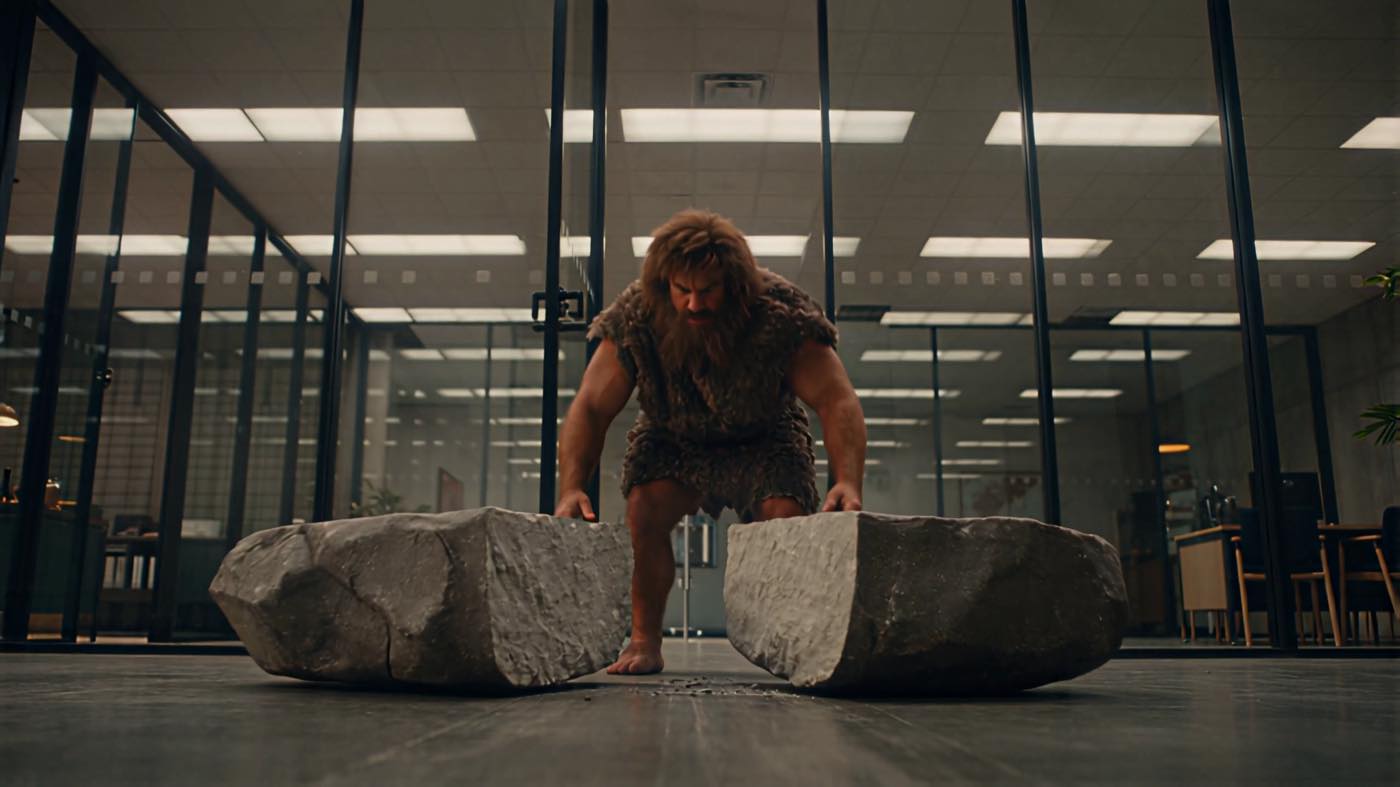
Big enough to print.
A logo from an old email, a crop that has to be a poster. Enlarged on your Mac, the original never uploaded.
You came for one tool. 16 more come with it.
Upscale Image is not an app you install. It is one item in a menu that also carries 16 others — same download, same account, nothing extra to set up.
13 are free, 4 are Pro. They install themselves as they ship, so the menu grows without you doing anything. Quick Resize is the tool for the other direction, and Compress Image for when the ×4 file is too heavy to send.
This one needs Pro. Then it has no ceiling.
The menu still shows Upscale Image, marked ⚡: click it and you get the Pro page, not the tool. 13 other tools are free for good.
- 13 tools work fully on Free, with no card.
- You can install Ricly and use it for months without paying.
- A free account is required, an email address is enough.
€47.88 billed yearly, or €4.99 month to month. No monthly count on this tool — enlarge a whole shoot if you want to.
- Upscale Image unlocks, with no monthly count.
- So do the other three Pro tools: Extract Text, Photo Grid and Batch Rename.
- Upload & Share goes to 20 GB and links last 30 days.
- 30-day trial for new subscribers · payment method required · cancel any time.
Questions people actually ask.
How much bigger does it get?
×2 or ×4 on each side, so twice or sixteen times the pixels. A 400 × 400 logo comes out at 1600 × 1600 with ×4. You pick in a small panel when you right-click, and the choice is written into the file name so you can try both and compare them. There is no ×8 — ×4 is the largest step for now.
Does it invent detail that was not there?
It reconstructs, and reconstruction is a guess. The model was trained on real degradation — JPEG artefacts, noise, web compression — so it rebuilds edges and texture the way they usually look, rather than smearing pixels the way a plain enlargement does. On a face or a licence plate, treat the result as a plausible image, not as evidence. On a logo, a product shot or a crop, it is the difference between usable and nog your releases, tag the MP3 after converting.
Which files can I use?
JPG, JPEG, PNG, WebP, HEIC, TIFF and BMP. The result is always a PNG, so nothing is re-compressed on the way out.
Is the file uploaded anywhere?
No. The model runs on your Mac, through Core ML. Ricly does check your account, so it needs the network to run, but the picture itself never leaves. One tool in Ricly does send files, Upload & Share, and it says so on its own page.
Can I enlarge a whole folder at once?
Select them all and right-click once. They run in turn rather than all at once, so your Mac stays usable, and each one gets its own enlarged copy beside it.
Will it overwrite the file I already made?
Never. You get a numbered file beside it instead. Ricly does not replace a file that already carries the name, and it never asks you the question mid-export either.
Right Click. Done.
17 file tools in the Finder menu. Free to start.
Free account, no card · macOS 13 or later

Send the link to your Mac.
Ricly is a Mac app. Drop your email and we send the download link — nothing else.
We email you the download link, plus one reminder if you have not installed. Nothing else, and we delete your address after that. · Free · macOS 13 or later · 296 MB