Included in Ricly Pro+

Right-click.
Studio-grade cutout.
In seconds.

Remove Background Studio — cloud AI for Mac. Hair, fur, glass, handled.

Studio-grade cloud AI. Right-click any image — hair, fur, glass, complex edges — all handled perfectly in seconds.

Free account unlocks 7 tools — email only, no card.

macOS 13+ · 500 AI credits/month · Cancel Pro+ anytime

Powered by cloud AI trusted across 300M+ photo workflows worldwide
300M+
photo workflows powered
180+
countries
< 3 s
per image on average
500
AI credits included/month
After
Before
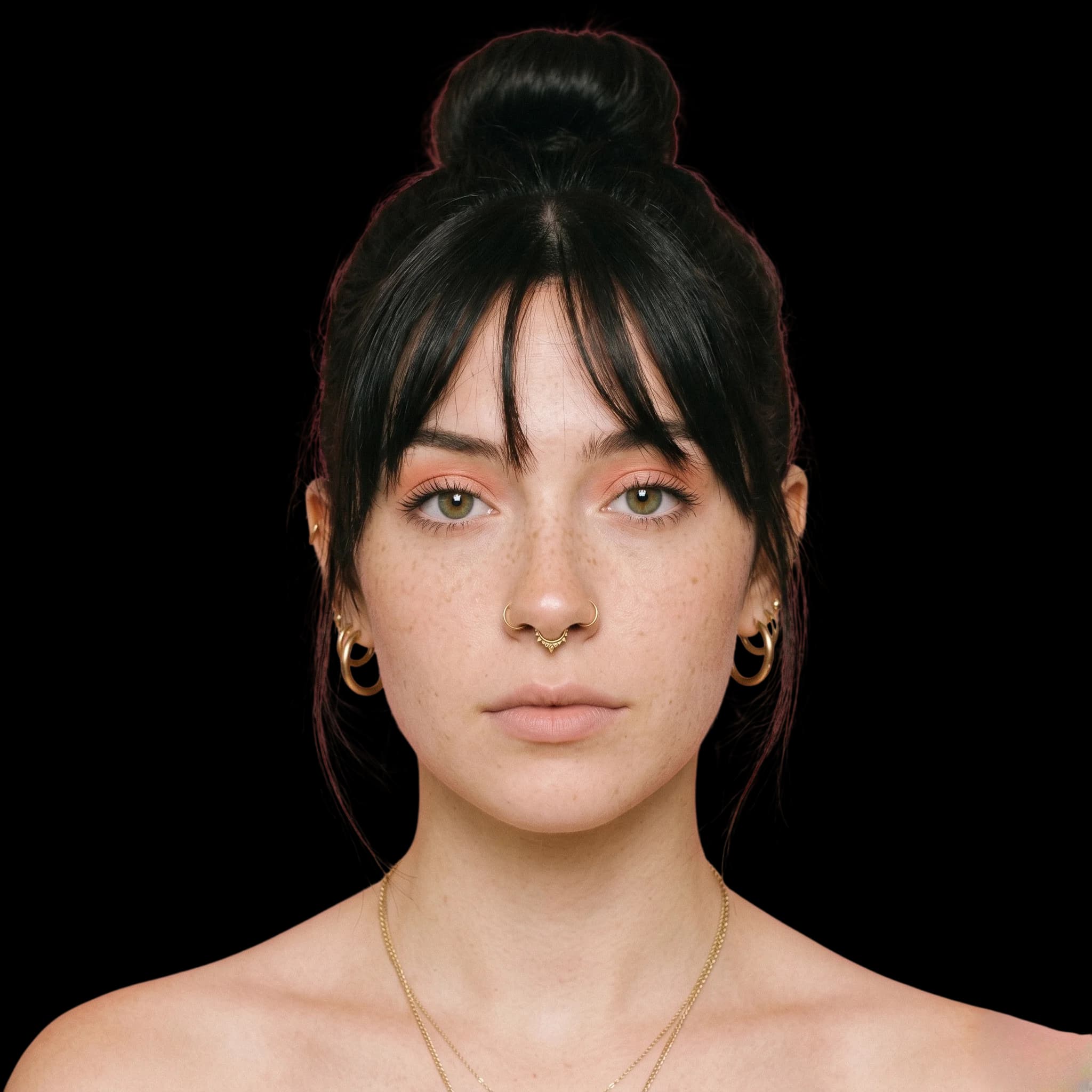
Before
After · BG removed
Professional results

Product-ready images,
without the photo studio.

What used to take 5 minutes in Photoshop — or a $500 studio session — now takes a right-click. Studio-grade cutouts in 2 seconds, ready for Amazon, Shopify, Figma, or anywhere your brand lives.

Hair & furIndividual strands, flyaways — perfectly preserved
Glass & smokeTransparent edges handled with precision
Complex backgroundsBusy scenes, patterns, gradients — cleanly cut
PNG transparencyExported ready-to-use on any platform
Powered by Studio-grade Cloud AI
Photos
Recents
Desktop
Downloads
Documents
iCloud Drive
portrait.jpg
portrait.jpg
sneaker.jpg
sneaker.jpg
fashion.jpg
fashion.jpg
watch.jpg
watch.jpg
dog.jpg
dog.jpg
product.jpg
product.jpg
Open
Open With    ›
Move to Trash
Get Info
Rename
Duplicate
Quick Look
Copy
Share...
Quick Actions
Ricly
Set Desktop Picture
Remove Background
Upscale Image
Zero friction

Right-Click.
Done.

Open · Import · Click · Export · SaveRight-click.

5 minutes saved per image. Imagine 10.

No app to open. No file upload. No drag-and-drop. Ricly lives in your right-click menu — exactly where the work already happens.

1

Right-click any image in Finder

2

Select "Remove Background"

3

PNG saved next to your original — instantly

Made for

Every workflow that needs clean images.

Photographers
Portraits & headshots

Photographers

Studio-quality portrait cutouts without Photoshop. Keep every hair, every strand — batch dozens of shots in minutes.

E-commerce sellers
Product photography

E-commerce sellers

Marketplace-ready in seconds. Amazon, Shopify, Etsy — clean white background or your brand color, every time.

Designers
Mockups & brand assets

Designers

Isolate any subject for Figma, Sketch, or Photoshop. PNG with full transparency, no fringe, no artifacts.

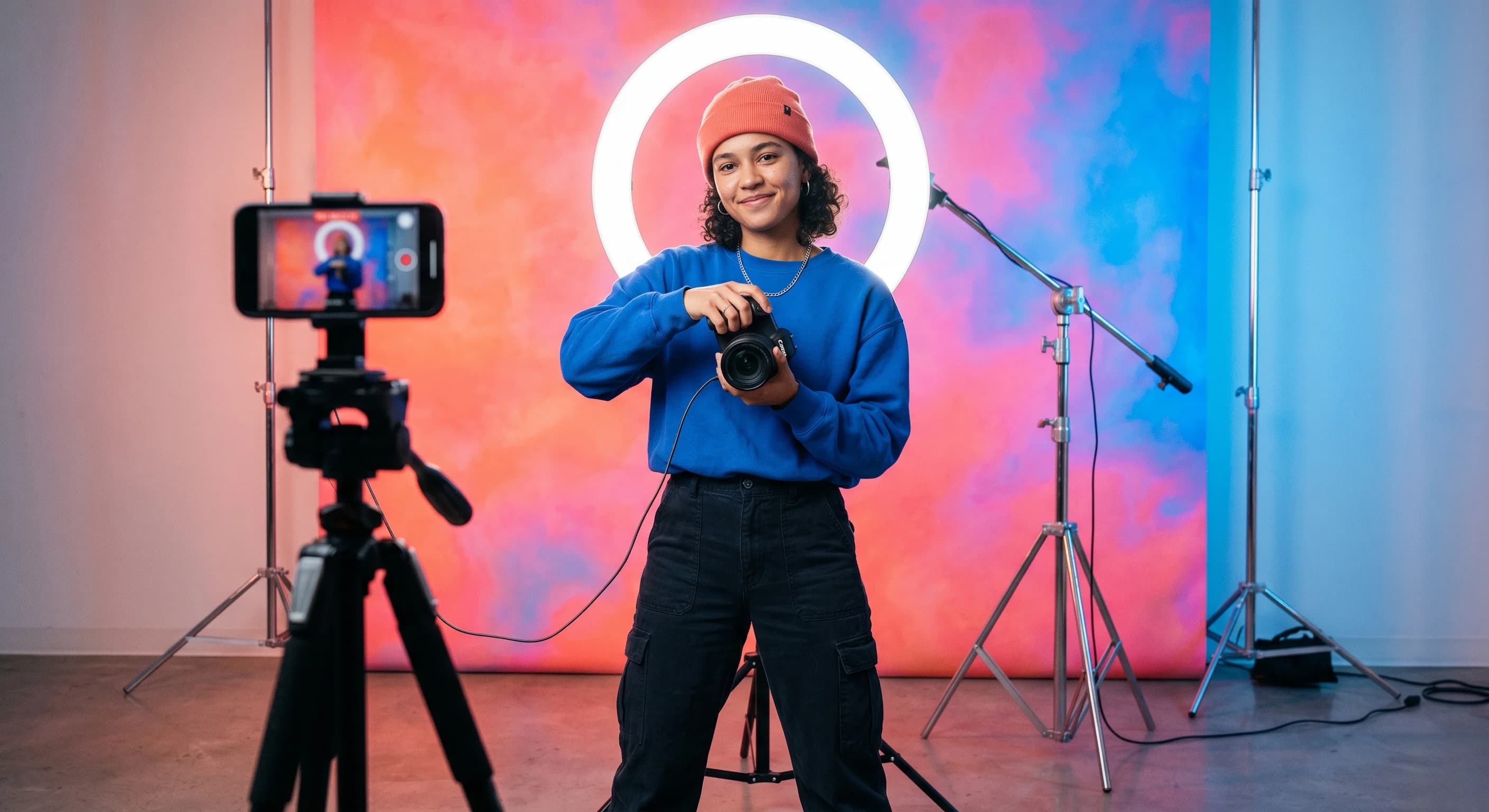
Content creators
Social & thumbnails

Content creators

Thumbnails, stories, reels, shorts. Right-click from your desktop in 2 seconds — no app, no upload, no watermark.

Why Studio

The AI that handles what basic tools can't.

On-device AI is fast. Cloud AI is better. Studio is the upgrade.
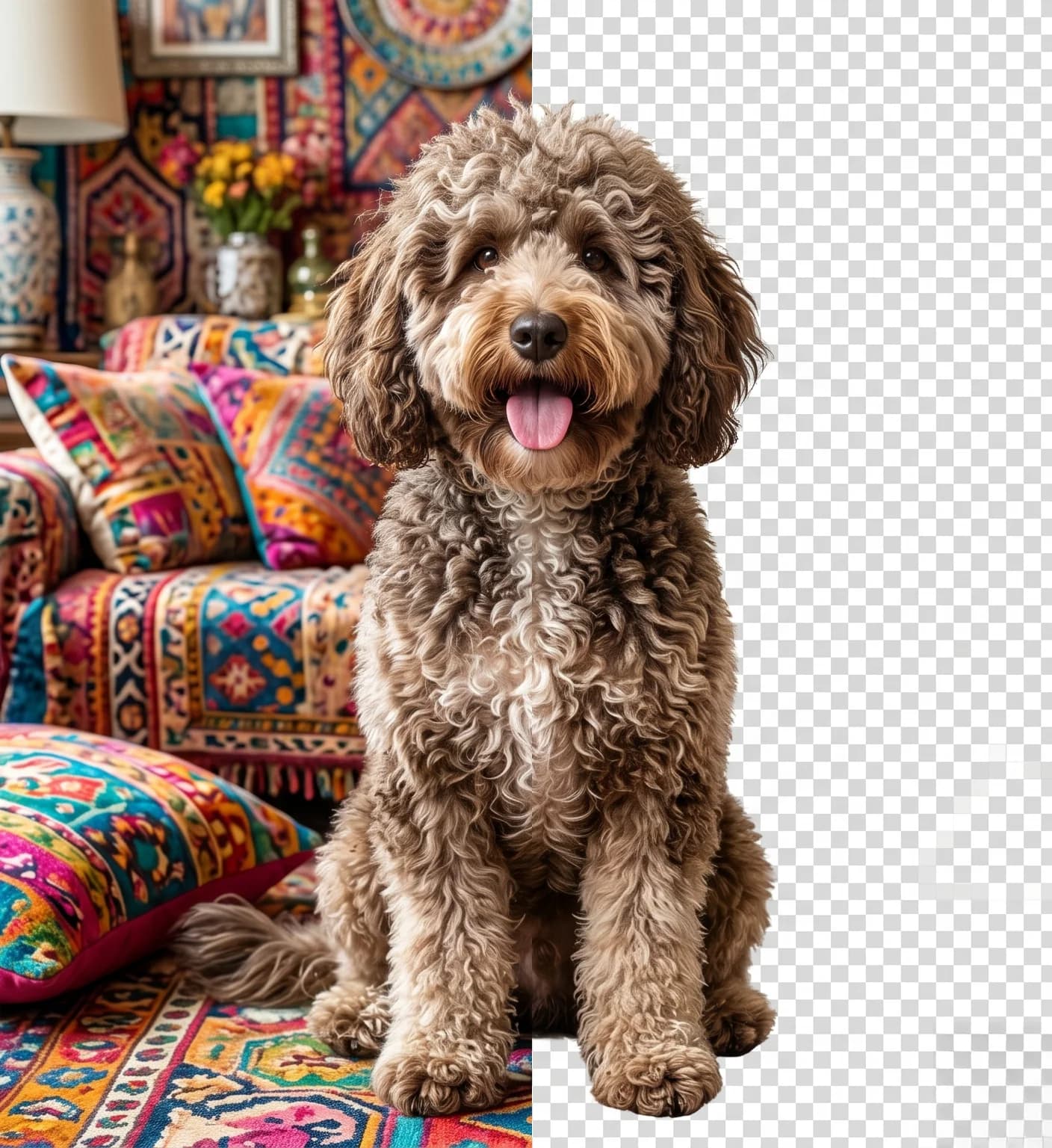
Dog with complex fur — background removed with cloud AI on Mac
Cloud AI

Where on-device AI stops, cloud AI starts

Handles what on-device can't

On-device AI is built for speed and simplicity. Cloud AI is built for accuracy. Hair strands, fur texture, glass, mesh — all handled at a level no local model reaches.

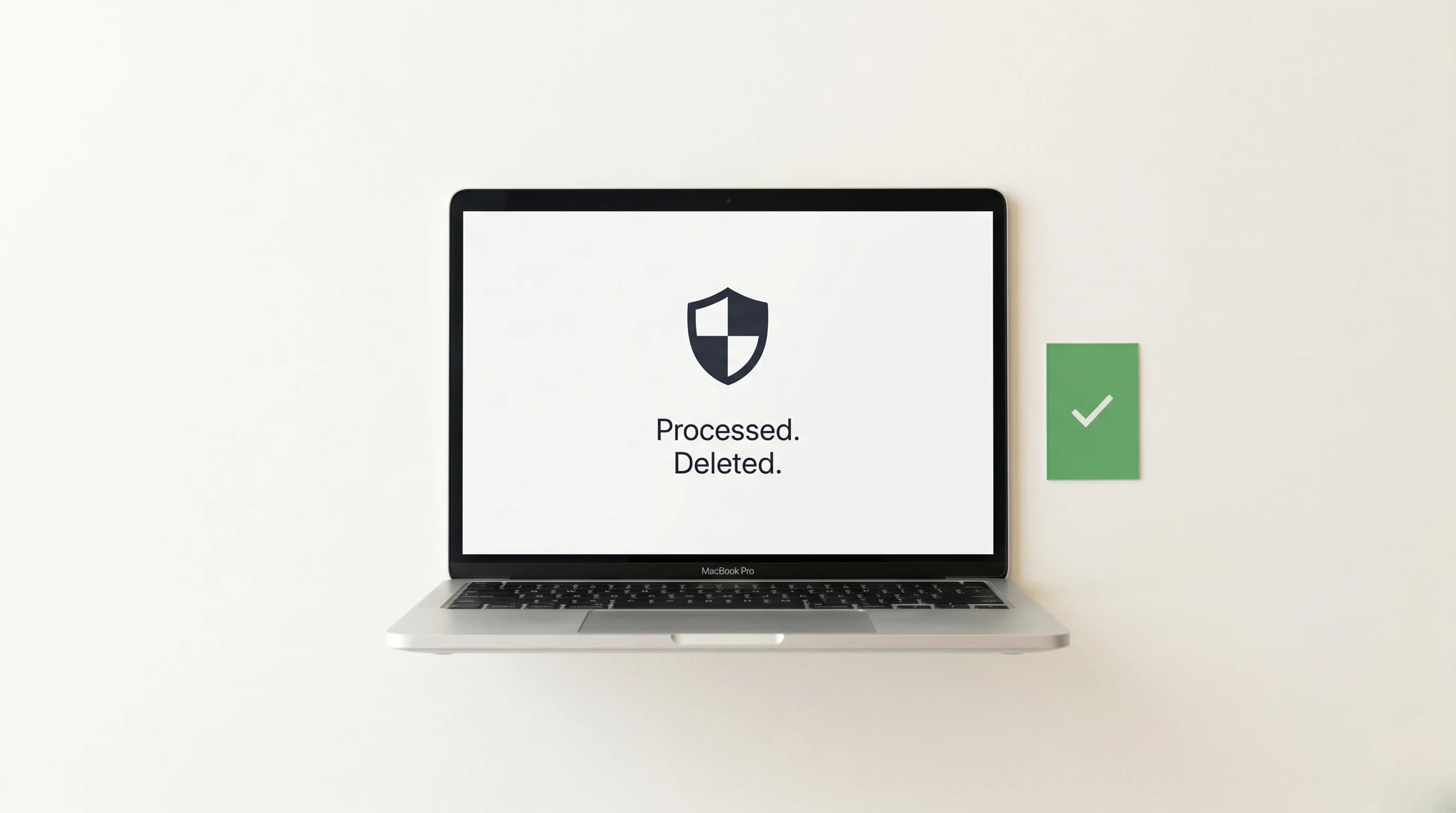
Processed and deleted — secure cloud privacy for background removal on Mac
Privacy

Sent · Processed · Deleted

Privacy by design

Your images go to the cloud to be processed — then immediately deleted. No storage. No training data. No exceptions. If you need 100% offline, Remove Background Pro (also included in Pro+) never leaves your Mac.

Full-res PNG output ready for Figma, Shopify and print after background removal on Mac
Output

Full-res · No watermark · No compression

Ready for anything

Full-resolution PNG with alpha channel. No watermark, no compression, no export step. Drop it straight into Figma, upload to Shopify, or send to print — it just works.

What people say

CL
Charles Lebeau
Music Producer
BETA

I make cover art and promo visuals constantly. Ricly cut my editing time in half — and every time I check back, there's a new tool in the app. Same price, more stuff. That's rare.

Composite beta feedback
JB
Julien Balesi
Content Creator
BETA

Right-click, done. No app switching, no upload page, no watermark. I was skeptical at first but now I use it every single day for thumbnails and story assets. The time I save is real.

Composite beta feedback
KS
Ketil Schei
Artist Manager
BETA

Managing artists means a constant flow of press kits and promo drops. Ricly handles the tedious part instantly. And the fact that they keep adding tools without raising the price — that's the kind of product you actually recommend.

Composite beta feedback
Ricly Pro+

One subscription.
All of Ricly.

Pro+ is the highest tier — every tool Ricly has, at its fullest. Every future tool, included automatically.

Already included

8+ tools

All Free + Pro included

Remove Background PortraitAI
Upscale Image ×2 or ×4AI
Social Resize
HEIC → JPG
Compress Image
Compress PDF
Audio → MP3
Video → MP4
+ more coming

Pro+ exclusives

500 AI credits/mo
You're here

Remove Background Studio

Cloud AI — hair, fur, glass, complex edges.

Image Layer

Cloud AI — separate subjects, backgrounds, and depth as individual files.

Upload & Share

50 GB · 60-day links · Full quality, no compression.

Ricly Pro+

€7.99/month

The full suite — everything above, included.

Annual plan · Save 20% vs monthly

How it compares

remove.bg

$9/mo

BG removal only

1 feature
No Finder integration
Web upload required

Photoshop

$20/mo

Full editor

Steep learning curve
Manual masking
No right-click
Best value

Ricly Pro+

€7.99/mo

Studio + 12 tools + 50 GB

Right-click in Finder
500 AI credits/mo
Image Layer included
Download for macOS

€9.99/month on monthly plan · Cancel anytime · No commitment

Ricly bot — your right-click guide
FAQ

Ask Ricly anything.

Still wondering? Email us at hello@usericly.com — we read every word. Usually reply in under 24 hours.

One right-click.
Studio-grade results.

Every Pro+ tool — Studio, Image Layer, Upload & Share — for less than 40 individual cutouts on remove.bg.